
Inbound lead capture and follow-up for consumer and retail brands
Build distinct capture and follow-up paths for shoppers, retailers, distributors and partners, with clear ownership, consent and next actions.
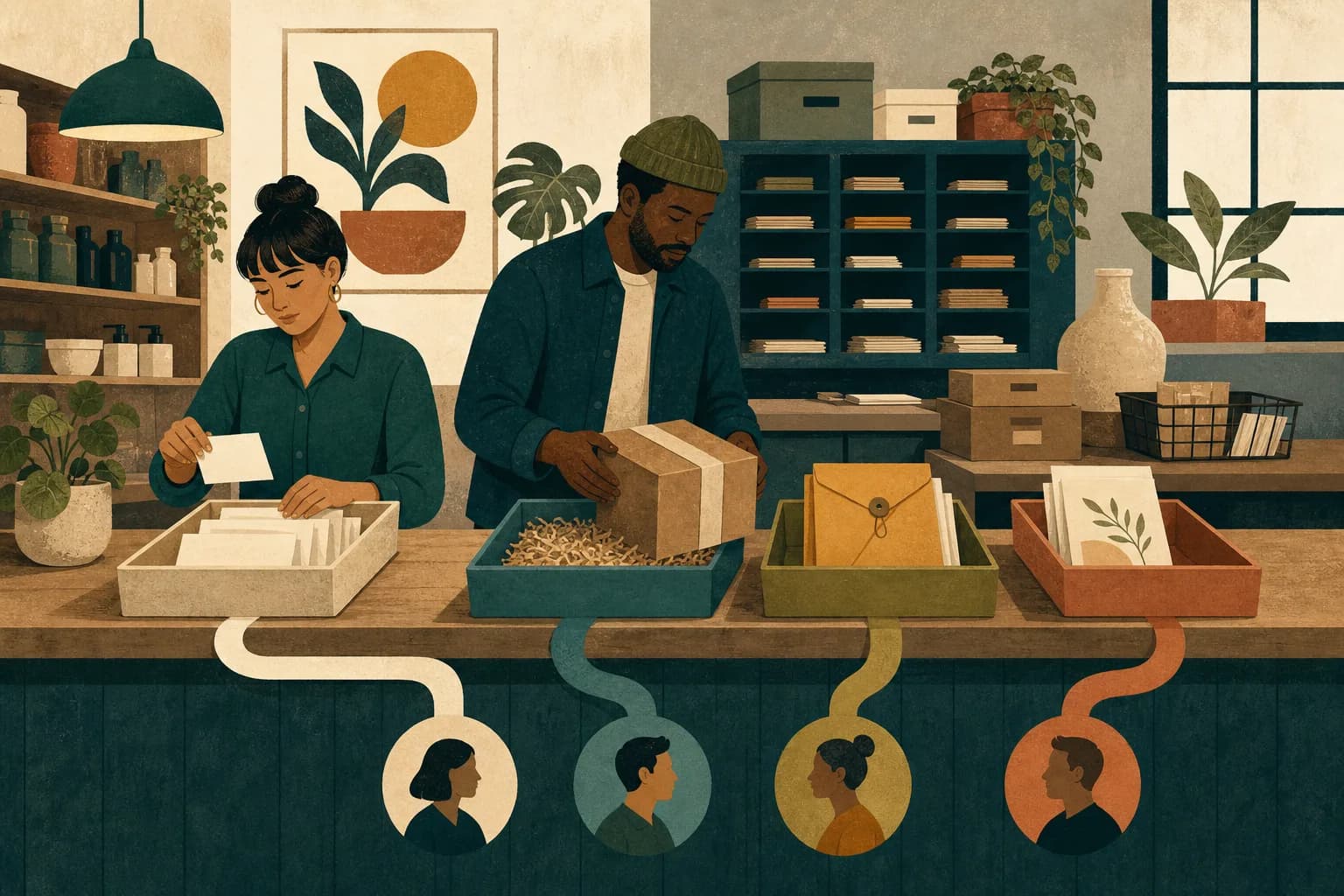
Why consumer and retail interest disappears
A consumer brand can receive interest from several directions on the same day. A shopper joins a list for a product release. A retailer asks about wholesale terms. A distributor uses the general contact form. A creator sends a partnership request. A customer asks where to buy an out-of-stock variant.
The site often sends all of them into one inbox. The submission confirms that the message was received, but nobody can see who owns it, how quickly it matters, or what a useful response should contain. Commercial inquiries wait behind customer-service questions while marketing sign-ups receive sales messages they never asked for.
Other brands build too many capture points without a shared record. A popup collects an email address, an event tablet stores another list, a wholesale page feeds a spreadsheet, a marketplace creates its own messages, and direct social inquiries remain in personal accounts. Each channel appears active while the customer or account journey stays fragmented.
The final problem is over-collection. The team asks for phone number, birthday, location, preferences, company detail, and an open comment before it knows what it will do with them. More fields feel like more knowledge, but unused information creates friction, maintenance work, and privacy questions without improving the next response.
What good capture and follow-up look like
Good inbound starts by naming the kind of interest. A shopper seeking product updates, a retailer evaluating the range, a distributor proposing a market, a creator asking about collaboration, and a customer needing support should see different language and reach different owners.
Each path makes a fair exchange. The visitor understands what they will receive, what information is needed now, and what happens after submission. The form collects enough context to route and prepare, then the conversation gathers anything else when it becomes relevant.
The response connects to the request. A wholesale inquiry receives the range and a clear qualification path, not a consumer discount. A product-release sign-up receives the promised update, not an immediate request for a sales call. A stockist request helps the shopper find or request availability.
The team can trace movement from the first signal to a useful outcome. For consumers, that may be confirmed permission, product view, add to cart, purchase, repeat, or unsubscribe. For trade inquiries, it may be qualification, range review, sample, terms, onboarding, order, replenishment, nurture, or stop.
Separate the journeys before changing the forms
Start with the jobs people are trying to complete. List every current path and the visitor behind it. Do not begin with the software or a debate about popup design.
Consumer capture may include product releases, availability alerts, store openings, events, loyalty interest, editorial updates, or offers. Trade capture may include retailer applications, wholesale requests, distributor proposals, marketplace interest, corporate orders, hospitality accounts, or partnerships.
Support needs a separate route. Returns, product issues, delivery questions, safety concerns, and complaints should not wait inside a marketing queue. The brand should define the relevant internal process and escalation path for its product and market.
Creator, press, employment, and supplier inquiries may also need distinct ownership. The objective is not a separate form for every possible person. It is a small set of clear choices that prevents high-value or sensitive inquiries from disappearing into the wrong workflow.
Design the consumer value exchange
The prompt to join a list should explain why the shopper should care. "Sign up for updates" asks for information without naming the return. A product launch, back-in-stock alert, useful category content, local event, or member benefit gives the person a concrete reason to decide.
Match the promise to the page. A shopper reading a product page may value availability or use guidance. Someone visiting a store page may want local events or opening information. A broad welcome offer can work, but it should not erase the product or occasion that created the interest.
Collect the smallest useful first step. An email address may be enough for one path. A phone number needs its own clear reason and permission route. Preferences should be collected only when the brand will actually use and maintain them.
The confirmation is part of the experience. State what was requested, what happens next, and how the person can change their preference. Do not use a generic success message when the visitor has asked for a specific product or location update.
Build a trade inquiry that a commercial team can use
A wholesale or retailer form should help the team decide who should respond and what to prepare. Ask for the organization, contact, route, market, relevant product or category, and the reason for the inquiry only when those fields change the next action.
Use structured choices where they improve routing, but keep an open field for context. A retailer, distributor, corporate buyer, and hospitality group may all need different materials. The form should not force a legitimate inquiry into the wrong label simply because the internal system prefers a clean dropdown.
Set expectations honestly. Do not promise automatic approval, immediate territory rights, or a particular response from a senior leader. Explain the review step and when the person should expect to hear from the team.
Prepare the response before publishing the form. The owner needs current product facts, range material, price authority, availability, terms boundary, and a short qualification guide. Capturing more trade interest before the team can respond only increases the queue.
Create a routing map with real owners
Every submission type needs one primary owner, a backup, a response standard, and a defined next state. A shared inbox can still work if the rules make ownership visible.
| Inquiry type | Context needed at capture | First useful response | Next state |
|---|---|---|---|
| Shopper list or alert | Permission, channel, relevant product or topic | Confirm the request and deliver the promised update | Active preference, purchase path, or unsubscribe |
| Retailer or wholesale | Organization, market, route, category interest | Acknowledge, qualify fit, and share the right range material | Review, sample, nurture, or stop |
| Distributor | Market, channel coverage, category, proposal context | Confirm route, ownership, and the information required | Evaluation, meeting, nurture, or stop |
| Partnership or creator | Relationship type, audience or channel, proposal | Route to the owner and request only missing context | Review, brief, decline, or future fit |
| Product or order support | Order or product context appropriate to the issue | Move to the approved support process | Resolved, escalated, or awaiting information |
Do not route by whoever happens to notice the message. Use one visible owner and date. When another team must act, record the handoff rather than forwarding the email and hoping.
Build the workflow step by step
Step 1: inventory every entry point
List forms, popups, chat, social messages, event capture, marketplace messages, retailer portals, email addresses, and partner referrals. Record what each captures and where the information goes.
Step 2: define the visitor and request
Group paths by the job the person is trying to complete. Separate consumer permission, trade evaluation, support, and partnership interest before deciding which paths can share a form.
Step 3: decide the minimum fields
Keep only information that changes routing, preparation, or an approved record requirement. Move later-stage questions into the conversation.
Step 4: write the promise and confirmation
Explain what the visitor will receive and what happens next. Keep the same promise across the page, form, confirmation, and first response.
Step 5: assign routing and ownership
Name the primary owner, backup, notification, response standard, and next states. Test what happens when the owner is absent or the inquiry does not fit a category.
Step 6: prepare response assets
Build the consumer message, wholesale response, qualification note, range material, stockist answer, and decline or nurture language the team needs. Keep product facts and claims controlled.
Step 7: connect the record
Use consistent source, path, product, market, and inquiry labels. Preserve the original request so the responder can write with context.
Step 8: test and review
Submit every path on desktop and mobile. Check confirmation, notification, ownership, stored data, consent record where required, first response, and reporting. Repeat the test after material site or system changes.
Write the form and confirmation in plain language
The form heading should say who it is for. "Contact us" makes the visitor decide whether the page can handle a wholesale request, product question, or partnership. A clear choice reduces hesitation and improves routing.
Field labels should explain what is needed without internal vocabulary. "Business type" may be useful; an internal account code is not. Optional fields should be genuinely optional. Do not mark everything required because the database has empty columns.
Error messages should help the person finish. Preserve completed fields after an error. On mobile, make controls easy to use and keep the form short enough that the value exchange remains visible.
The confirmation should repeat the request in human terms. If the person joined a product alert, confirm the product. If a retailer submitted a range request, explain the review and response step. If the request needs urgent or specialist handling, show the approved route.
Connect product pages, stockists, retail media, and events
Consumer interest often begins away from the homepage. Product pages, retailer listings, social content, creator material, in-store displays, event materials, and search results should send people to a relevant next step.
A product page can offer a back-in-stock alert when a variant is unavailable. A store page can collect local event interest. A launch page can separate early access from general marketing permission. A wholesale page can explain who the range fits before asking for an application.
Keep product information aligned. If a listing promises a variant, price, or availability that the landing page does not show, the capture form will not repair the broken expectation. The path begins with accurate product information.
At events, use the same choices and labels as the website where possible. Record whether the person is a shopper, retailer, distributor, partner, or press contact, what they asked for, and what permission exists. Uploading an undifferentiated attendee list into a campaign creates noise and risk.
Follow up with context, not a universal automation
Automation can confirm receipt, tag the path, notify the owner, and prepare a task. It should not pretend that every submission has been understood.
Consumer follow-up should deliver the stated value. If the person requested availability, send availability. If they requested a launch update, send that update. A general welcome sequence may follow only within the permissions and expectations the brand has established.
Trade follow-up should refer to the organization, market, route, and product interest. Ask the missing qualification question, share the relevant material, and propose the next decision. Do not send the same calendar link to every retailer, distributor, and partnership inquiry.
Close the loop when fit is absent. A clear decline protects both sides. A nurture path should have a reason, trigger, and next review date rather than becoming a permanent list of contacts who receive generic updates.
Protect consent, privacy, and sensitive inquiries
Permission requirements differ by channel and jurisdiction. The brand's qualified privacy and legal owners should decide what consent, notice, record, preference, and deletion processes apply. Marketing should implement the approved route and preserve the evidence it requires.
Do not combine email and text permission into one vague action. Do not assume a purchase, event visit, or business-card exchange creates permission for every later message. Do not hide the real purpose of collection behind a prize or discount.
Limit free-text collection when it may invite product, health, safety, or other sensitive detail the marketing team should not hold. Provide a suitable support or specialist route and train responders to move the inquiry rather than continue it in the wrong system.
Access should follow the work. A responder needs enough information to handle the request, not unrestricted access to every customer record. Remove old exports and personal spreadsheets from the workflow.
Who does what: your people and our team
Your founder or commercial leader decides which inquiries matter, what commercial fit means, and what promises the brand can make. Ecommerce, operations, customer support, and sales owners confirm their routes. Qualified reviewers approve consent, privacy, claims, and sensitive-inquiry handling.
Our team maps and runs the capture system. A senior marketing lead owns the journey and weekly decisions. Writers produce the page, form, confirmation, and response copy. Campaign and sales operators configure routing, prepare responses, maintain the record, and follow up. Analysts show what entered, moved, waited, and stopped.
| Work | Your in-house owners | Our fractional team |
|---|---|---|
| Inquiry boundaries | Confirm products, support routes, commercial fit, and permissions | Turn the boundaries into usable visitor paths |
| Forms and pages | Approve material product and policy statements | Write, build, test, and improve the capture points |
| Routing and response | Supply account, product, and support authority | Configure ownership, prepare responses, and run follow-up |
| Records and access | Approve systems and access rules | Maintain labels, source context, tasks, and reporting |
| Weekly review | Make major commercial and customer decisions | Show movement, delays, failure points, and the next work |
We do not stop after installing a form. We run the path from first signal to the next useful decision.
Measure the journey without mixing unlike signals
For consumer capture, track form views, starts, completions, confirmed permissions where required, delivery, engagement, product views, add to cart, purchase, repeat behavior where available, and unsubscribes. Treat each measure as a different event, not one universal conversion.
For trade capture, track qualified inquiries, route, response, time waiting, range review, sample, meeting, terms, onboarding, order, replenishment, nurture, and stop reason. A wholesale form completion is interest, not revenue.
For support and product inquiries, measure routing accuracy, unresolved items, repeat contact, and escalation under the approved service process. Do not celebrate a growing support queue as engagement.
Check data quality before drawing conclusions. Duplicate people, missing source context, test submissions, bots, internal entries, and broken notifications can distort the view. A small reliable record is more useful than a large dashboard nobody trusts.
Worked example
Worked example: one contact form becomes four clear paths
Imagine a personal-care brand selling through its own site and several retailers. The homepage, product pages, and wholesale page all point to one contact form. Submissions go to a general inbox. A retail buyer waits beside order questions, while shoppers requesting stock alerts receive no product-specific update.
The rebuilt journey creates four visible paths: product and order support, product updates and availability, wholesale and retail, and partnerships. Each path asks for different minimum context and sets a different expectation.
Our team writes the pages, forms, confirmations, and response library. The wholesale route asks for organization, market, route, category interest, and a short note. The availability route records the relevant product and approved channel permission. Support moves directly to the service owner.
Routing rules create one owner and task for every submission. The weekly review shows missing notifications, trade inquiries awaiting commercial answers, consumer alerts without current stock data, and repeated questions that product pages should answer.
The brand does not need to guess whether "more leads" means progress. It can see which kind of interest arrived, what the person asked for, who owns the response, and what happened next.
Failure modes to catch early
The first failure is one form for everyone. It hides intent and makes every response slower. The second is a separate tool for every channel without a shared person, account, product, and source record.
The third is collecting fields because they might be useful later. If the team cannot name the action a field changes, remove it or ask during the conversation.
The fourth is treating automation as ownership. A confirmation email does not mean a retailer received a commercial answer or a shopper received the update they requested.
The fifth is measuring form conversion alone. An aggressive popup can increase submissions while reducing trust, permission quality, or later purchase. Review the full path.
When lead capture is not the priority
Do not add more forms when product pages, availability, pricing, delivery information, or store details are wrong. Fix the information that created the question.
Capture may also wait when nobody owns follow-up. A new wholesale application form will not help if commercial answers still depend on the founder finding time in an inbox.
If the site has very little relevant traffic, build the demand route alongside the capture path. If existing customers cannot get support, fix that before using the same channel to collect more marketing interest.
The readiness test is direct: can the team explain what each visitor requested, what they were promised, who owns the response, what information is permitted, and what decision comes next? Build those basics first.
Your first 30 days
Week one inventories every entry point, owner, field, system, promise, and response. Week two defines the journey types, minimum information, permission boundary, routing map, and next states.
Week three writes and builds the forms, confirmations, response library, tasks, and reporting labels. The team tests every path on mobile and desktop.
Week four reviews real submissions, routing accuracy, response quality, missing context, and movement. The objective is a visible, owned path for each kind of interest, not the highest possible form count.
Continue your marketing planning
Frequently asked questions
Show us every place interest enters today. We will map where shoppers, retailers, distributors, and partners wait or disappear.
Get in touchWe reply within 1 business day.